EmailCatfish helps you run a reverse email lookup to review public online signals that may be connected to an email address before you decide how to respond.
Enter your email below to start your search.
Reverse Email Lookup
Uncover the real identity behind any email address
🛡️ Secure Search🗄️ 50M+ Records⚡ Real-time
Running Deep Scan
📧 Email & DNS AnalysisVerifying mailbox deliverability, MX record health, and domain reputation.
🕵️ Social Media GraphingExtracting profiles from Instagram, Facebook, LinkedIn, TikTok, X, and Pinterest.
🔥 Dating & Adult NetworksProbing Tinder, Bumble, OnlyFans, Badoo, and 20+ adult networks.
☠️ Deep Web & BreachesCross-referencing leaked passwords, dark web records, and historical breaches.
Behind every email is an online trail. EmailCatfish pieces it together so you can see who’s really behind it.
1. Enter your Email Address
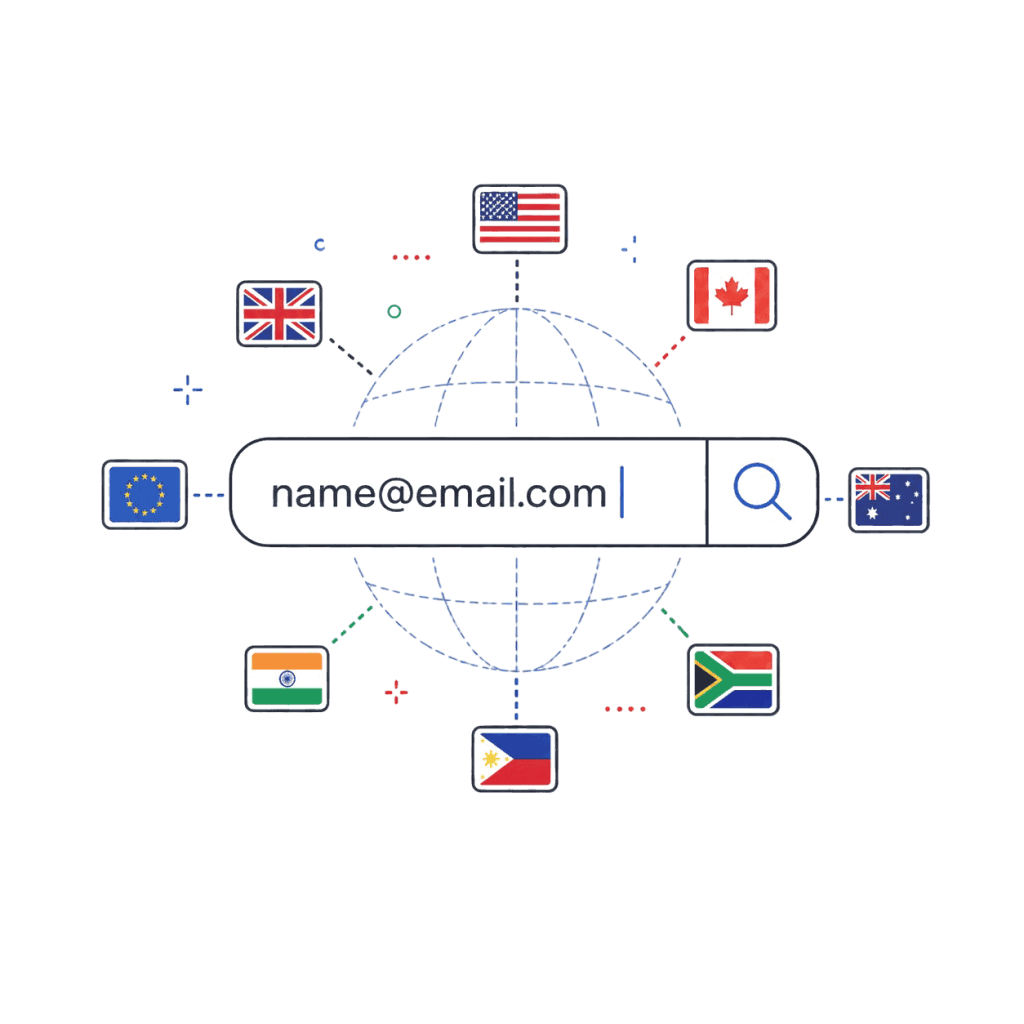
Drop your own email into the search bar that you want to look up.
EmailCatfish system recognizes most formats and works internationally, including the US, UK, Canada, Australia, India, Europe, the Philippines, South Africa, and more.
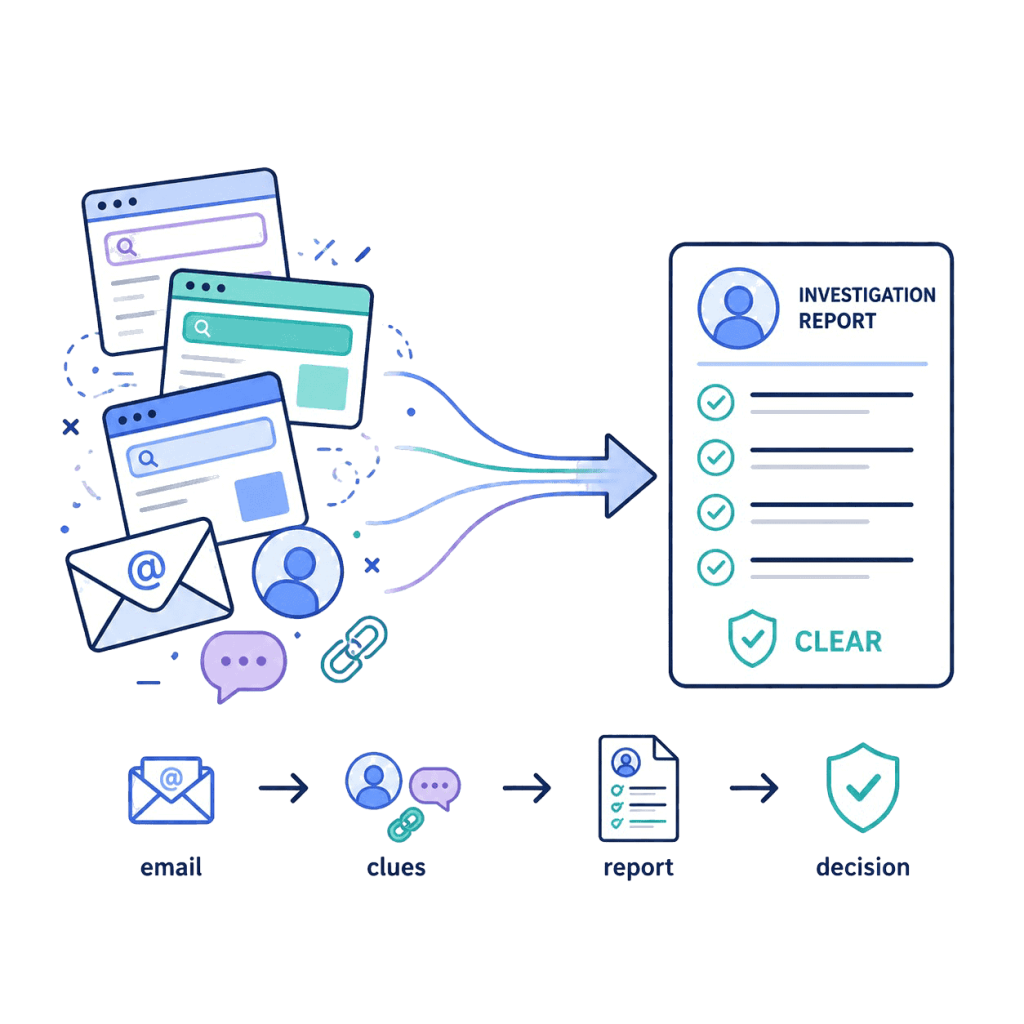
2. We Gather Fresh Data From Public Sources
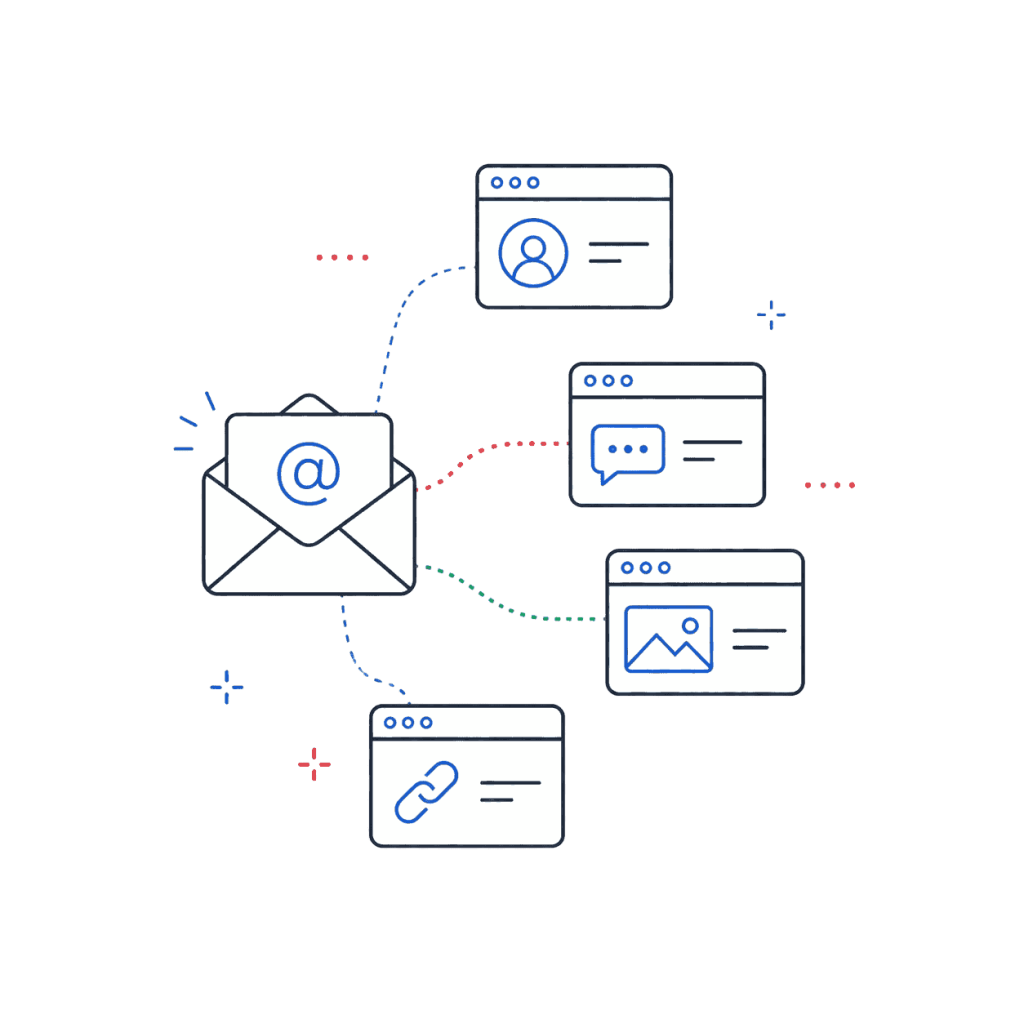
EmailCatfish’s algorithm automatically checks connected, non-sensitive clues, including: public databases, open sources, social media, messaging apps, and public profile pages.
Helping users manually review potential inconsistencies and get fast, real-time results.
3. Get a Full Your Email Identity Overview
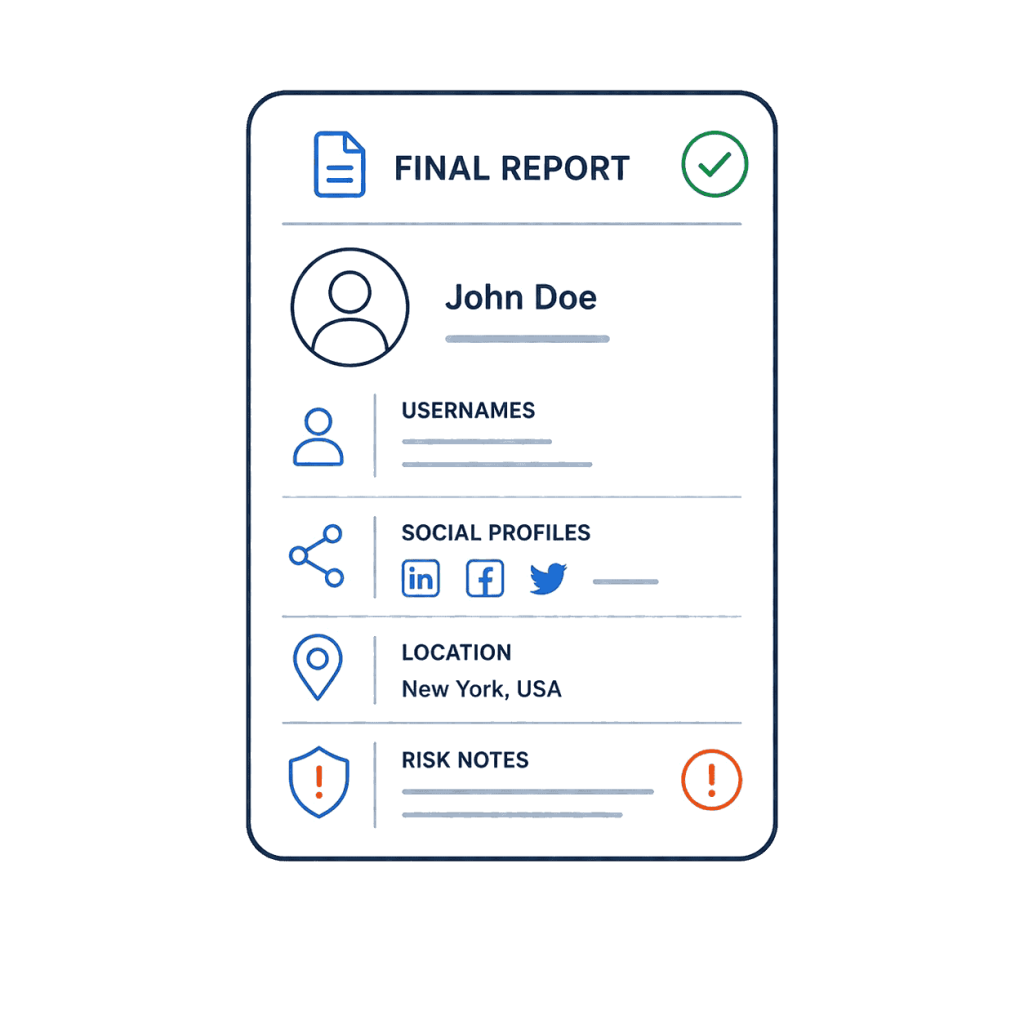
Receive a full report on any email sender – from names and photos to social profiles, usernames, and potential inconsistencies tied to the address.
Built for Reverse Email Lookup
Replace hours of manual research with one quick search and get a clear report of public online signals connected to an email address.
EmailCatfish helps you review possible linked profiles, usernames, and public web references in one place.
Find Public Profile References by Email
Check whether an email address may be connected to public profile pages, usernames, or visible account references across the open web.
EmailCatfish helps you compare public signals linked to an email, such as names, usernames, bios, profile images, and other visible details.
Results are informational and should always be reviewed manually.
Find Social Media & Messaging Accounts by Email
Discover possible social media profiles, messaging usernames, and public web references connected to an email address.
EmailCatfish helps you search for public signals from platforms and websites where an email may appear or be associated with visible profile information.
You can review names, usernames, bios, profile photos, and other public details to see whether the information matches what you already know.
Reverse Lookup Any Email Provider
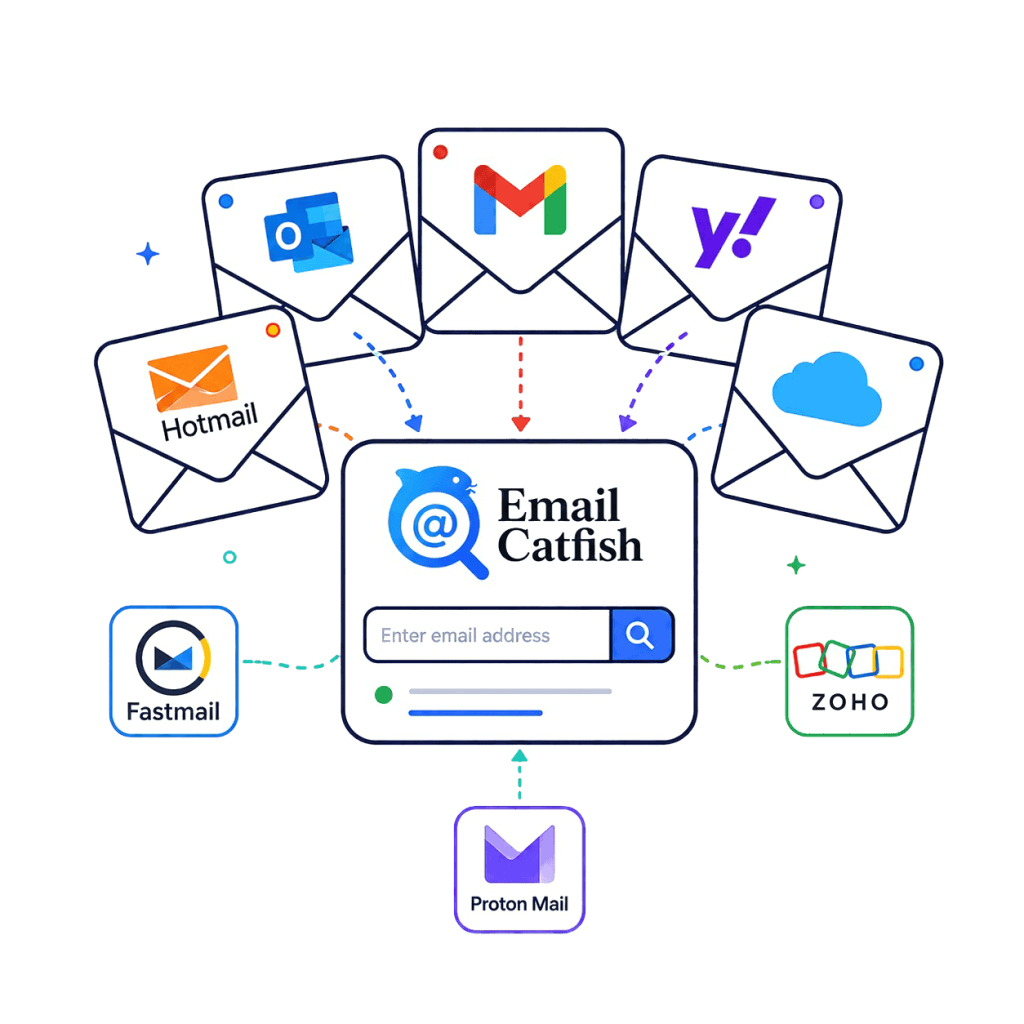
Check emails from common providers like Gmail, Outlook, Yahoo, Hotmail, and iCloud, as well as services like Fastmail, Zoho, Proton Mail, and more.
EmailCatfish looks beyond the inbox name and searches for public profile signals that may be connected to the address.
It works with personal, professional, old, new, private, or unfamiliar email addresses.
Validate Any Email Before Contact
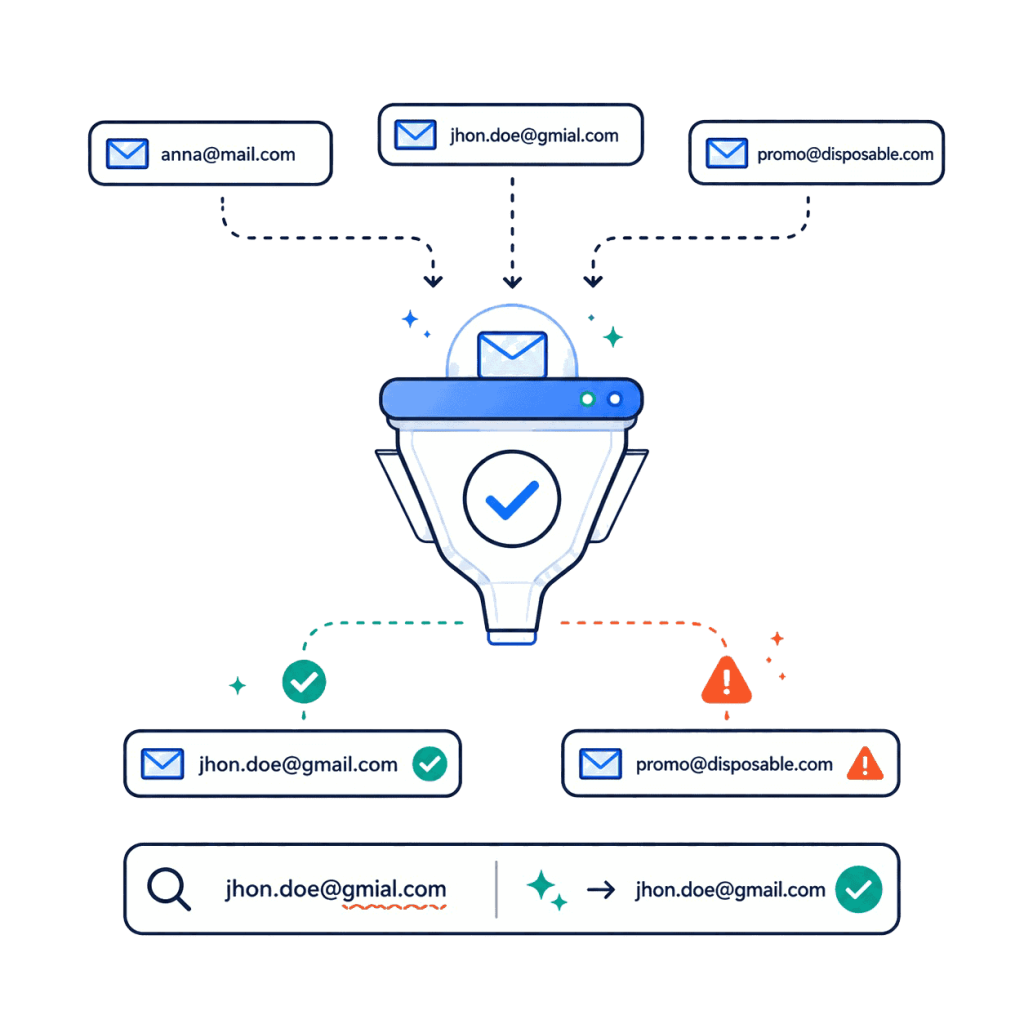
Check whether an email address appears valid before you respond or share information.
EmailCatfish can help review email format, deliverability signals, public references, and other indicators that may help you understand the address better.
You can validate up to 10 emails per hour for free before spending credits on a deeper reverse email search.
Find Public Signals Linked to an Email Address
Use EmailCatfish to review possible public matches connected to an email address.
Reports may include public profile references, usernames, profile images, and other visible online signals where available.
This helps you better understand unfamiliar senders, new contacts, online conversations, and email-based connections.
OSINT Email Investigation
Use public web signals to understand an email address faster, without digging through search operators, forums, tabs, and manual lookup methods.
EmailCatfish turns email-based public research into a simple report, so you can review useful details and compare visible signals in one place.
It provides a simpler way to review open-source information without needing advanced OSINT tools, scripts, or technical workflows.
Which Reverse Email Lookup Tool Is Better for You?
Both tools can be useful, but they are built for different types of users. The right choice depends on whether you want raw research leads or a simpler report you can review quickly.
👉 Use Epieos if you want OSINT-style leads and know how to investigate them manually.
👉 Use EmailCatfish if you want a practical reverse email lookup report built for everyday online checks.
EmailCatfish searches are private. The person behind the email is not notified when you run a lookup.
Here is the simple difference:
EmailCatfish
Epieos
Built for practical reverse email lookups and public profile discovery
Built for OSINT users and deeper technical research
Gives clear, beginner-friendly results
Gives clues that may need OSINT experience and interpretation
Focuses on public signals, profile references, and real-world context
Focuses on linked accounts, raw traces, and research leads
Better for unfamiliar emails, online conversations, and public profile checks
Better for researchers who want raw leads to explore manually
Offers up to 10 free hourly email validations
Offers a free member plan with limited modules and visible watermarks
Subscriptions start at $35 monthly with 30 full-access requests
1. Can I search a business email, or only personal emails?
Yes. You can check both personal and business emails. A business email may show company-related clues, public profiles, domain signals, professional accounts, or whether the sender appears connected to the organization they claim to represent.
2. Can reverse email lookup help with online safety checks?
Yes. A reverse email lookup can help you review public signals connected to an email address, such as names, usernames, profile references, and visible account details. It should not be your only check, but it can be a useful first step when reviewing an unfamiliar sender or online contact.
3. Can an email lookup show if someone is using different names online?
Yes. EmailCatfish can help surface potential name discrepancies by comparing public accounts, usernames, profile photos, and visible profile details associated with the email address. Results are informational and should always be reviewed manually before making any decision.
EmailCatfish provides informational reports based on public or lawfully accessible sources. It does not access private accounts, inboxes, passwords, restricted data, credit reports, background check records, or legal identity verification systems. Results may be incomplete or inaccurate and should be reviewed manually. Disclaimer: You may not use EmailCatfish.com or the information we provide to make decisions about consumer credit, employment, insurance, tenant screening, or any other purpose that would require FCRA compliance. EmailCatfish.com does not provide consumer credit reports and is not a consumer reporting agency, as defined by the Fair Credit Reporting Act (15 U.S.C. § 1681 et seq.). While we strive for accuracy and reliability, the information available on our site may not always be complete, current, or entirely accurate. It should not be used as a substitute for your own due diligence, especially regarding matters like criminal history. EmailCatfish makes no representations or warranties about the character, integrity, or identity of any person or entity you may search.