Find Who Owns a Gmail Address
Google does not publish a public @gmail.com owner directory, and consumer Gmail webmail strips sender home IP addresses. To find out who is behind an unknown @gmail.com or @googlemail.com account silently, run a $0 mail-server and deliverability check below, then scan 50+ public social, dating, developer, Gravatar, and data-breach sources without emailing or alerting the owner.
Enter a full @gmail.com, @googlemail.com, or Google Workspace email address


-
📧 Email & DNS Analysis Verifying RFC mailbox syntax, DNS MX routing, and Null MX status.
-
🕵️ SMTP & Catch-All Posture Checking mail-server handshakes, catch-all gateways, and provider posture.
-
🔥 Disposable & Relay Check Screening throwaway burner domains, role inboxes, and privacy relays.
-
🌐 Social & Community Index Preparing 50+ OSINT modules across TikTok, LinkedIn, X, Reddit, and GitHub.
-
🛡️ Dating & Breach Modules Preparing public registration and historical data breach modules.
-
🔒 Scoring & Privacy Shield Computing 5-99 risk posture. Target inbox is never emailed or notified.
🔒 100% confidential check · Target inbox is never notified
Requires a complete user@domain email address (not a person’s name or phone number). Checking Outlook, Yahoo, Proton Mail, iCloud, or another provider? Use our reverse email lookup for all email providers. Locked out of your own Google login? Visit official Google Account Recovery.
Gmail Dot (.), +Tag & @googlemail.com Variant Helper
Google routes alex.mercer@gmail.com, alexmercer@gmail.com, alex.mercer+invoice@gmail.com, and alex.mercer@googlemail.com into one single inbox. However, external apps (TikTok, LinkedIn, Tinder, GitHub, Discord, Gravatar hashes) and breach databases store the exact literal string typed at signup.
Enter a complete email address containing @ and a valid domain (for example, name@gmail.com).
How scan strings work: EmailCatfish queries the exact lowercased email string in the search box above. Free Layer 1 checks cost $0; unlocking a full Layer 2 OSINT report uses credits per distinct email string.

5 Free 60-Second Manual Gmail Checks (Before You Spend a Credit)
Before unlocking a paid OSINT report, run these safe, passive checks and avoid two widely repeated tips on competing blogs that actually alert the target.
1. Gmail Web Compose & Google Contacts Chip ($0)
Open mail.google.com or contacts.google.com, paste the @gmail.com address into the To: field of a blank draft without clicking Send, and hover over the recipient chip. When the owner has not restricted Google About me discovery, their public avatar or display name resolves immediately. Delete the blank draft right after.
2. Google Drive Share Chip Preview ($0, Cancel Immediately)
Create an empty untitled document in Google Drive, open Share, and type the Gmail address into the recipient box to resolve any public Google profile photo or name chip. Press Esc or Cancel immediately. Never click Share or Send, which dispatches an invitation email to the owner.
3. Exact-Match Handle & Quoted Web Search ($0)
Search “username@gmail.com” and the bare local-part “username” in quotes. Many personal Gmail owners reuse a distinctive handle (such as marcus.vance.ux or keller89) verbatim across Reddit, GitHub, Pinterest, eBay, Steam, or public forum bios.
4. Manual DNS MX Check for Custom Google Domains ($0)
If an unknown sender uses @companyname.com, run nslookup -type=mx companyname.com or dig MX companyname.com. Consumer @gmail.com resolves to gmail-smtp-in.l.google.com, whereas genuine Google Workspace business domains point to smtp.google.com (current standard) or aspmx.l.google.com.
5. What NEVER to Do (Dangerous Competitor Advice)
Never run Google “Forgot password” recovery on someone else’s Gmail: doing so triggers live security prompts or SMS OTP codes on the owner’s phone. Never “send a test email” or an IP-grabber link: replying exposes your own address, name, and active interest to a scammer, harasser, or stalker.
Why Standard Email Tools Fail on @gmail.com (“The Gmail Scammer Paradox”)
Anyone can open a real, deliverable @gmail.com mailbox in two minutes. That single architectural fact breaks B2B sales enrichers, plain SMTP verifiers, and legacy IP header trackers.
What EmailCatfish’s $0 Layer 1 Check Proves on a Gmail Address
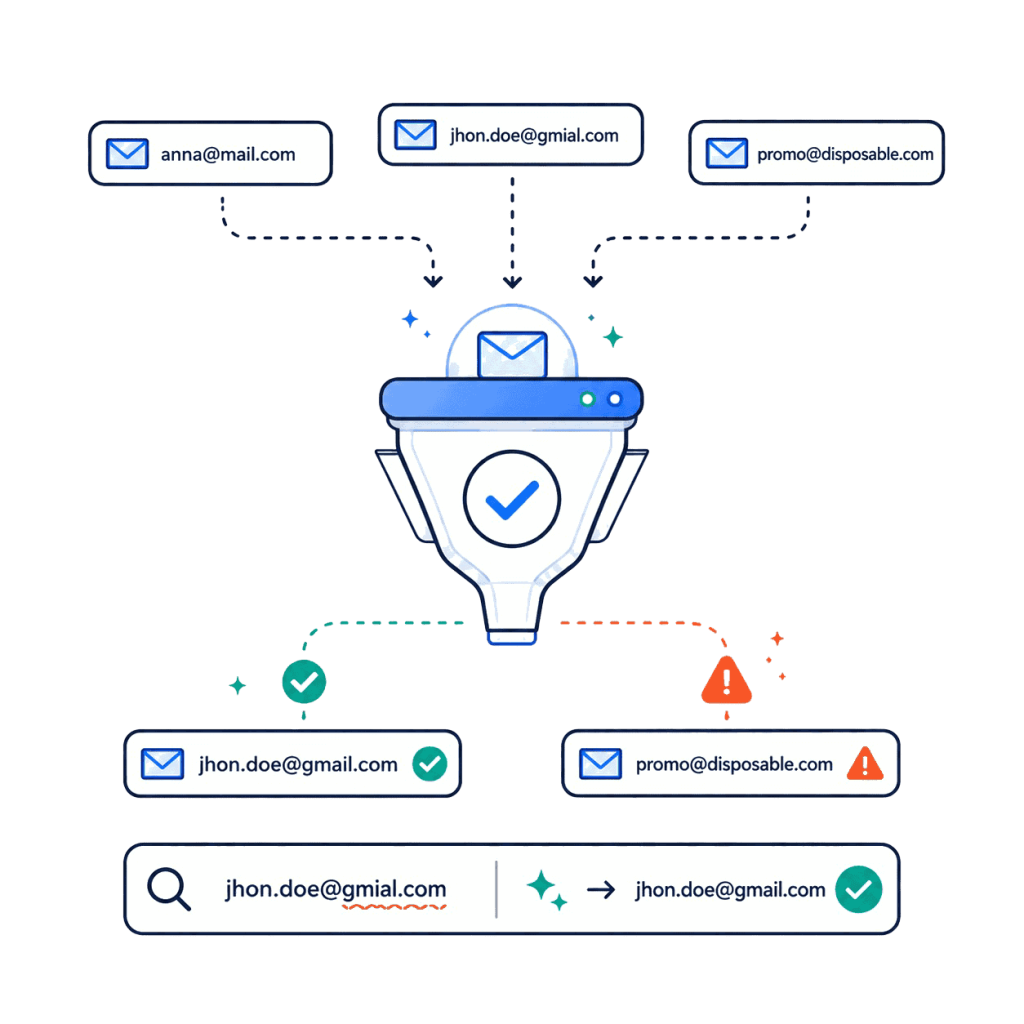
When you run a free initial check above, EmailCatfish displays six plain-English infrastructure signals without touching the owner’s inbox:
Notice the amber Free Provider badge: if a supposed recruiter, bank department, courier, or executive emails you from a free @gmail.com or @googlemail.com account instead of a verified Corporate Domain, Layer 1 flags that mismatch immediately at $0. Because SMTP and DNS never reveal when a Gmail inbox was created or who registered it, Layer 2 OSINT checks 50+ external platforms and historical breach dates to separate a real person with multi-year history from a brand-new throwaway handle.
| Lookup Method | Result on Personal @gmail.com | Key Limitation or Risk | Target Alerted? |
|---|---|---|---|
| B2B SMTP Verifiers | Returns 250 OK (“Deliverable”) on both legitimate users and active romance or invoice scammers | Zero owner names, avatars, social accounts, or inbox age signals | No (unless you follow bad blog advice to send a test email) |
| B2B Sales & CRM Enrichers | Usually returns “No corporate match” on consumer webmail | Built for corporate work domains (name@company.com) and $49+/month seats | No |
| Legacy Header IP Trackers | Maps Google’s outbound server IP (209.85.x.x, Mountain View, CA) instead of the sender | Requires an existing incoming email and misleads readers on 95%+ of webmail messages | No |
| Subscription People-Search Brokers | US-centric static public-record matches; weak coverage on global handles and fresh aliases | Slow teaser funnels and $0.95 trials that auto-renew at $27+/month | No |
| Open-Source CLI (GHunt v2) | Checks surviving Google ecosystem endpoints from a terminal | Requires Python 3.10+, Docker, and your personal Google login cookies (account lockout risk) | No |
| EmailCatfish 2-Layer Lookup | $0 server & Free Provider check + 50+ social, dating, developer, Gravatar, and breach sources | Requires full email address; brand-new private burners can legitimately return 0 profiles | Never (100% passive) |
Received an Email from Gmail? What Show Original Proves (and the IP Myth)
If you already have a suspicious message in your inbox, open Gmail on desktop, click the three-dot menu next to Reply, and choose Show original before clicking any link.
1. From: Display Name vs. Reply-To: Trap
Scammers routinely set the visible display name to a trusted brand, executive, or law firm while the angle-bracket address or hidden Reply-To: header routes replies to a free @gmail.com inbox. If you suspect invoice fraud, extortion, or phishing, cross-check the sender in our free email scam checker.
2. SPF, DKIM & DMARC Alignment
In Google’s Show original summary table, genuine consumer Gmail messages show PASS for SPF, DKIM (signed-by: gmail.com), and DMARC. Remember: PASS only proves the message was genuinely sent through Google’s mail servers, not that the human owner is who they claim to be.
3. Why IP Trackers Always Say “Mountain View, CA”
When someone sends mail from mail.google.com in a browser or the official Gmail iOS and Android apps, Google omits X-Originating-IP. Free header-tracing sites read Google’s own data-center IP (209.85.x.x) and falsely report Mountain View, California or Council Bluffs, Iowa. The one real exception: if the sender used a third-party SMTP client (Outlook, Apple Mail, Thunderbird, or a Python script) via smtp.gmail.com, look for Received: from … by smtp.gmail.com with ESMTPSA, which logs their public ISP or VPN IP.
Browser-Based Alternative to GHunt (Zero Python, Zero Cookie Lockout Risk)
Many investigators search for an online version of GHunt only to discover that Google’s internal identity endpoints changed dramatically after 2023.
On July 19, 2023, Google permanently shut down Google Album Archive, retired legacy Hangouts lookups, and restricted unauthenticated People API queries that early Gmail OSINT scripts relied on to expose internal Gaia ID numbers and historical profile photos. Today, GHunt v2 has no official hosted web version: running it requires installing Python 3.10+ or Docker locally and using the GHunt Companion browser extension to extract authenticated session cookies (SID, SSID, APISID, SAPISID, HSID) from your own Google account.
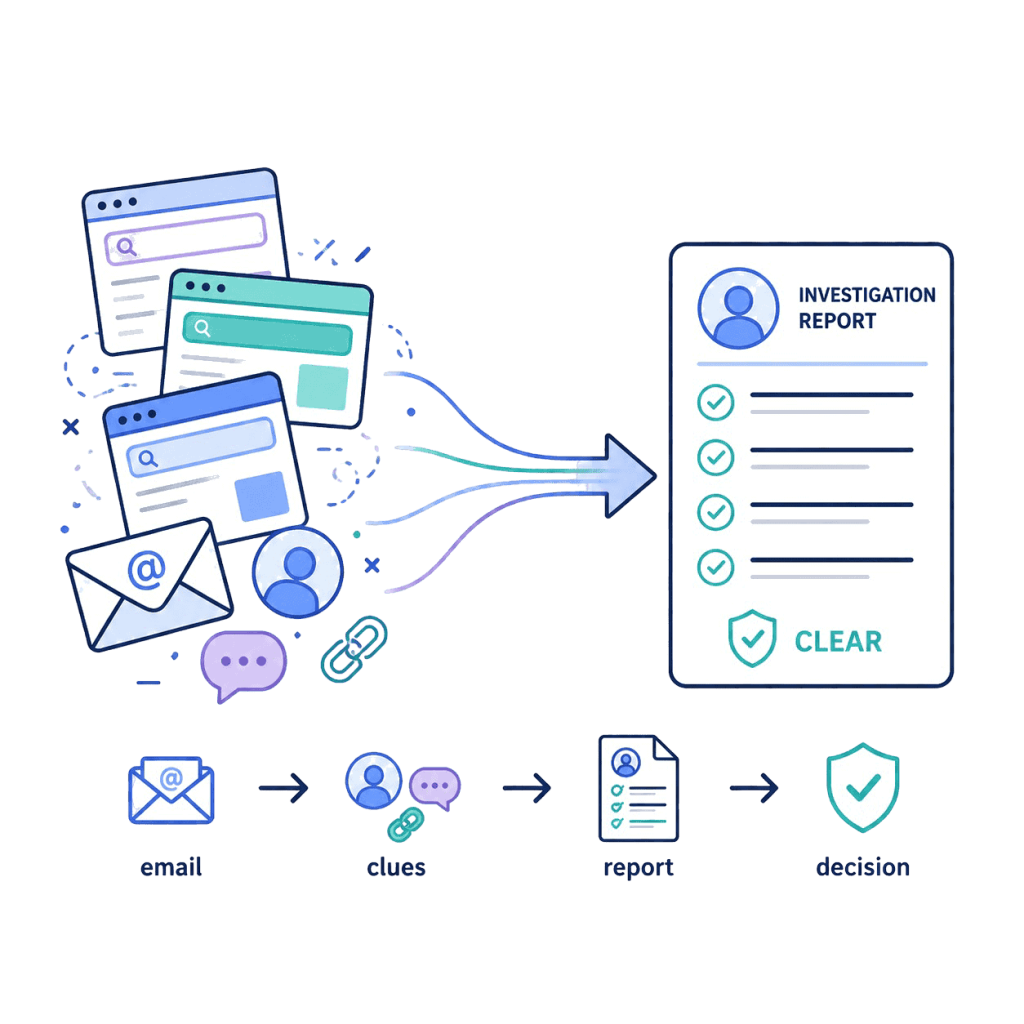
Injecting personal Google session cookies into automated CLI scripts carries real operational risk: Google’s automated-abuse defenses frequently invalidate the session, trigger critical security alerts, or lock your personal Workspace or Gmail login. EmailCatfish gives everyday users and investigators a zero-install, zero-cookie-risk browser workflow that pivots outward across 50+ external social, dating, developer, creator, Gravatar, and breach registries where @gmail.com owners reuse their address. Want a full side-by-side breakdown of dedicated analyst tools? Read our guide to compare Epieos alternatives for Google and email OSINT.